2 min read
Hugo and Obsidian
As mentioned many times I am using Obsidian to manage my knowledge bases, websites and documentations. In fact this blog post has been written in Obsidian. With the help of Hugo the markdown files are turned into html. They work pretty well together, except for one thing.
In Hugo static files such as images go into the static folder. Let’s say we have an image static/images/8bit-photo-lab-ui.png that we want to use in our blog post. In a Hugo markdown file you’d embed it like this:
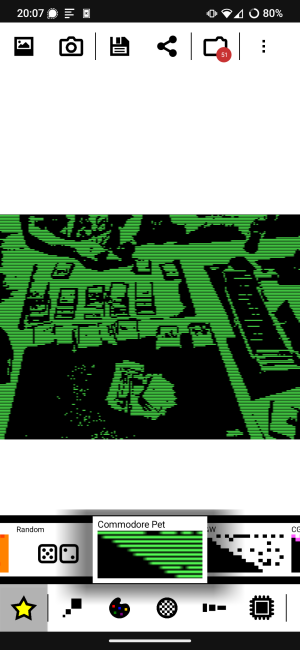
When building the site the link becomes:
<img src="/images/8bit-photo-lab-ui.png" alt="">
The content of the static folder is served under the root path of the website.
However, when previewing the blog post in Obsidian the image cannot be displayed. Obsidian expected the relative path from the vault folder:

The solution to this problem is fairly simple. Open the config.toml and add this:
[module]
  [[module.mounts]]
    source = "images"
    target = "static/images"
Then move the images folder mv static/images ./ to the root.
Finally, in Obsidian set the “Attachment folder path” to images.
Now whenever you paste in image in Obsidian it is saved to the ./images folder and when you build the website Hugo will load assets from this folder.
There is only one little catch. The image paths need to start with /, otherwise Hugo will not be able to load the image.
Tags: 100daystooffload , hugo , obsidian , markdown
Edit Page / Show Statistic