2 min read
Project: Setup Windows 7 Kiosk
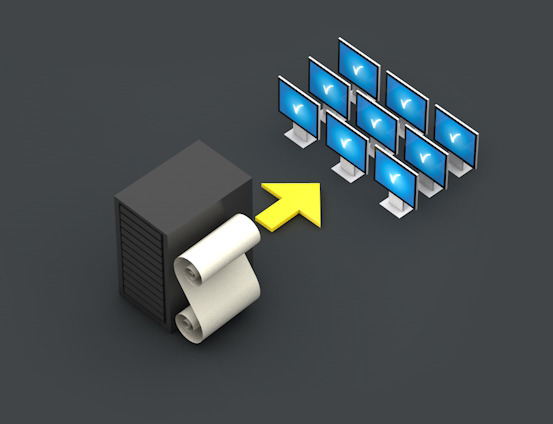
The goal of this project is a simple Windows 7 Kiosk installation with nothing else as the newest version of internet explorer installed. A user should not be allowed to do something than can malfunction the system or even elevating the user privileges. I want to show you in this post which GroupPolicies I’ve used and what configurations I made to set up this type of installation.
First I want to commit my principles for working with ActiveDirectory and Group Policies:
The logged in user can…
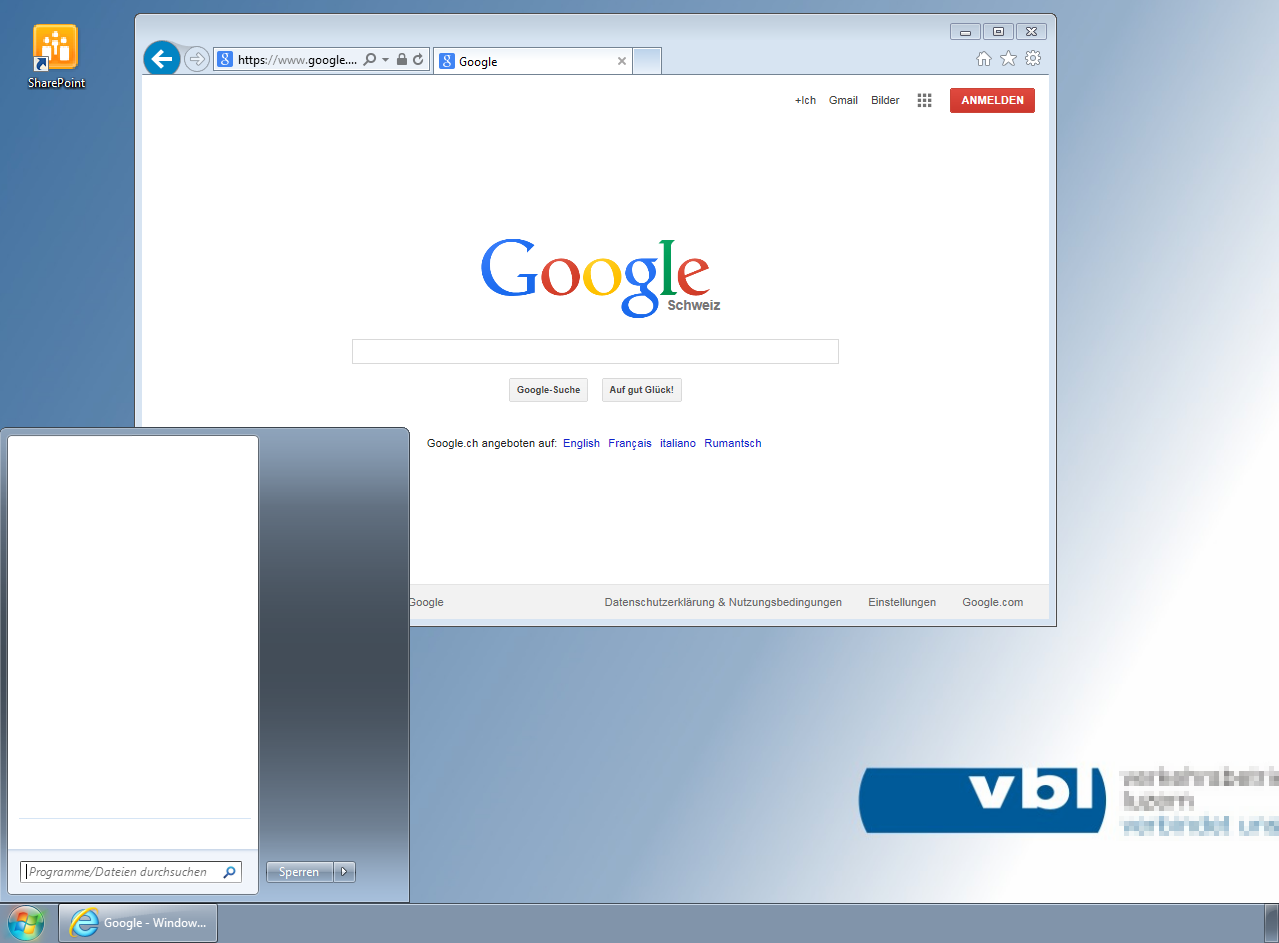
The setup of the windows workstation is very simple:
The Group Policy Management Console is equipped with newest Windows 7 AMDX templates.
The following section shows the policies I’ve used to restrict the access to the computer and it’s programs.
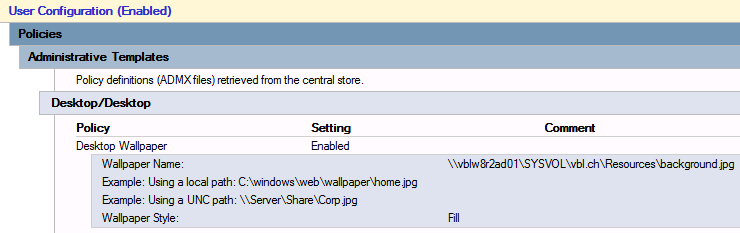
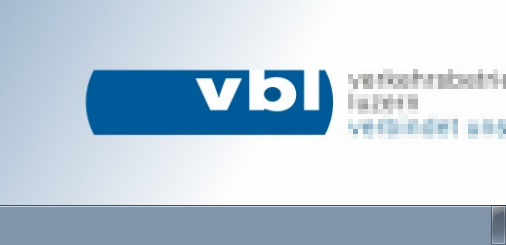
Desktop background
Add a desktop wallpaper.
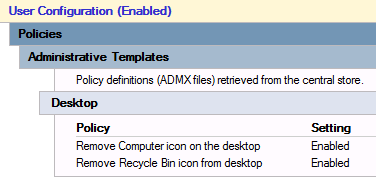
Remove Desktop Icons
Remove the default desktop icons.
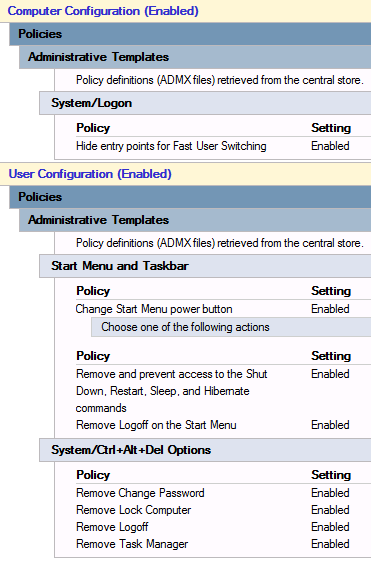
Remove System Buttons
Remove the start system buttons and the options showed after click Ctrl + Alt + Delete.
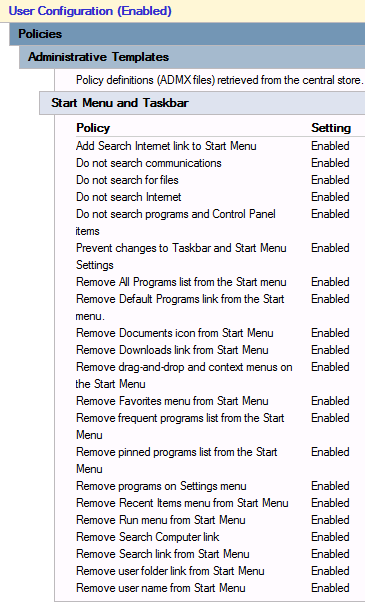
Restricted Start Menu
Remove the all items in the windows start menu.
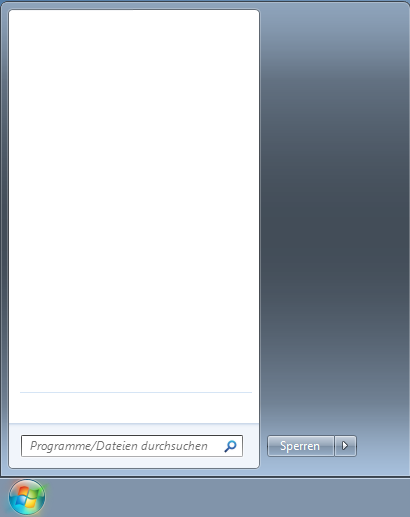
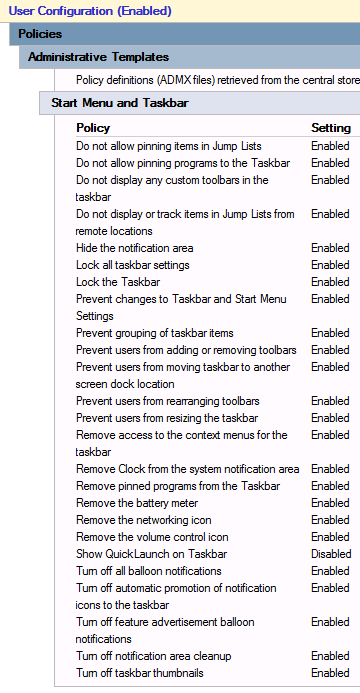
Restricted Taskbar
Denie any possiblity to customize the windows taskbar.
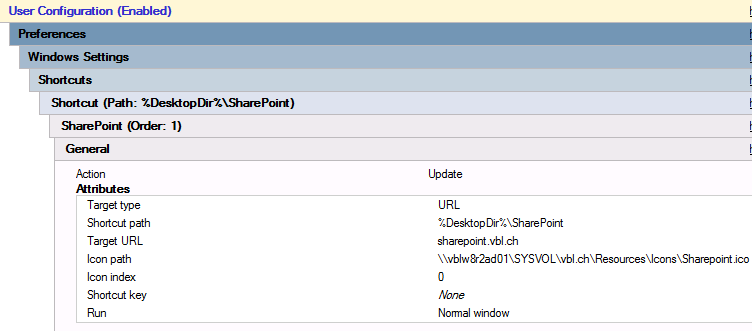
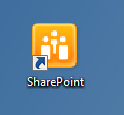
SharePoint Icon
Adds a simple icon to the desktop.
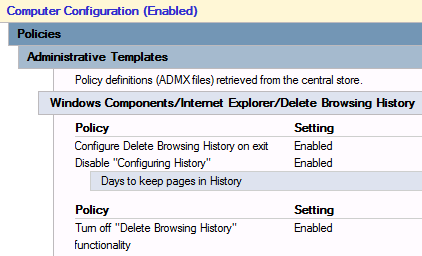
Delete Cache
Delete the browser cache on exit.
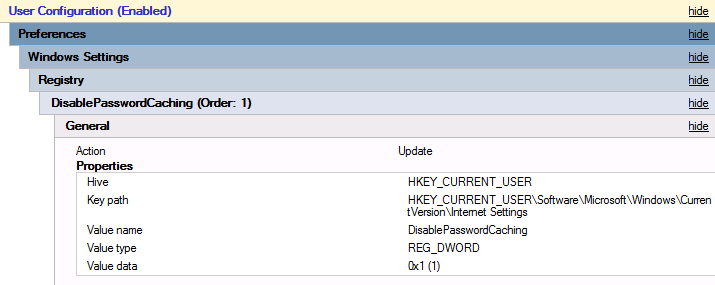
Disable Save Passwords
Internet explorer is not allowed to prompt for saving password information.
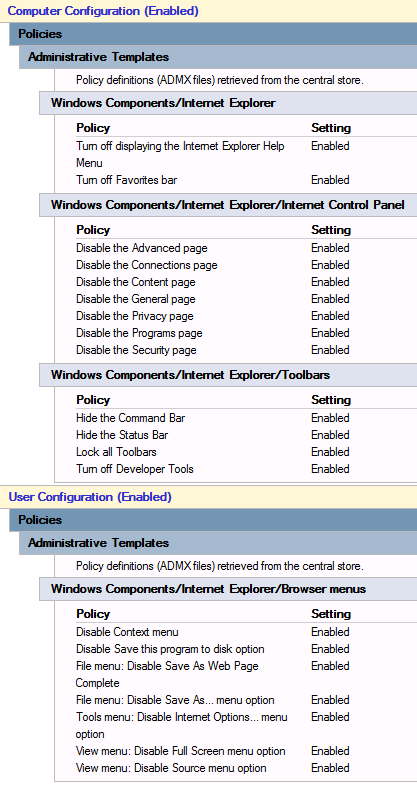
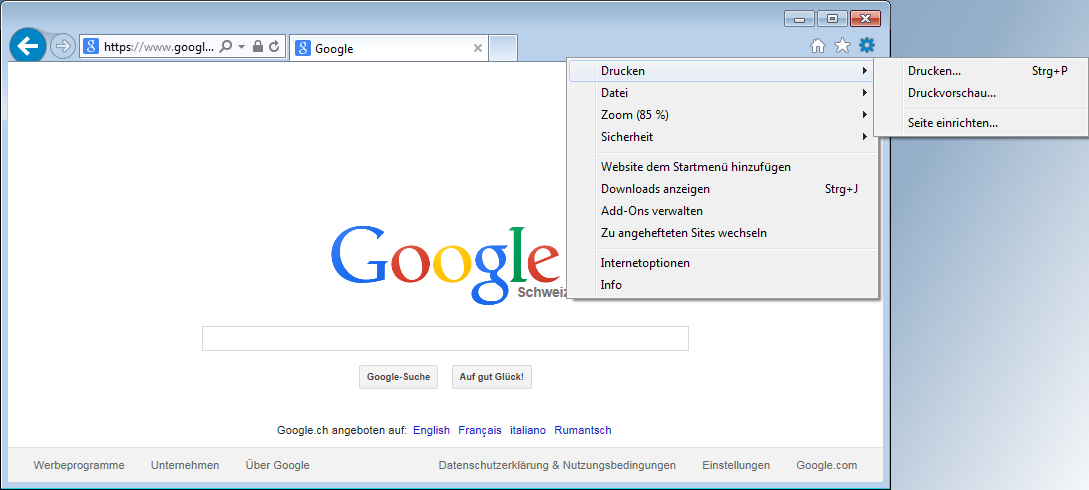
Hide Menus
Hide internet explorer menus.
Tags: activedirectory , desktop , kiosk , policy , windows
Edit Page / Show Statistic